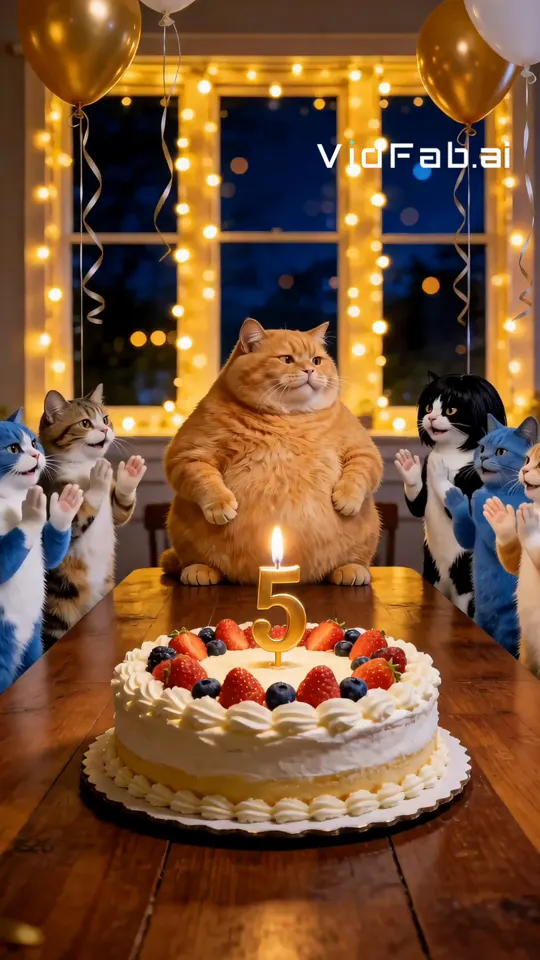
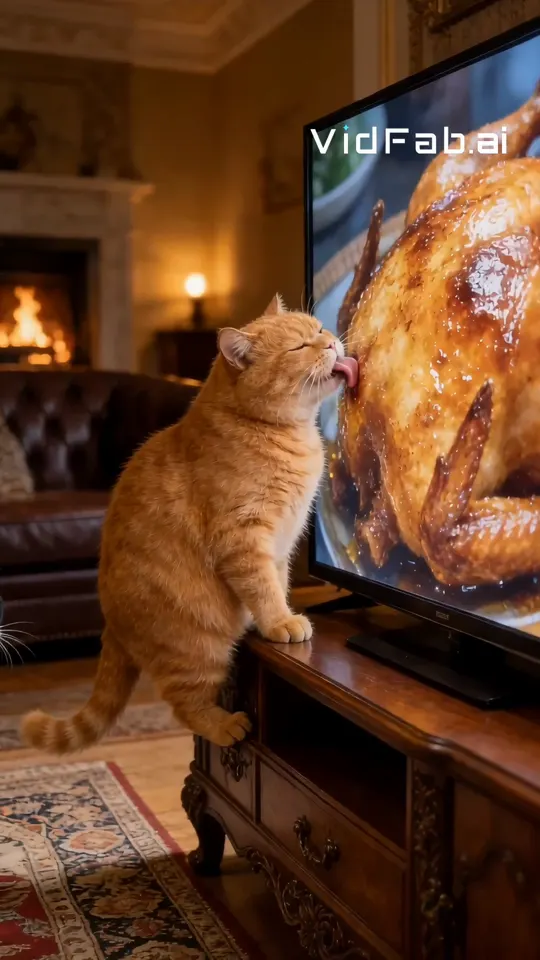
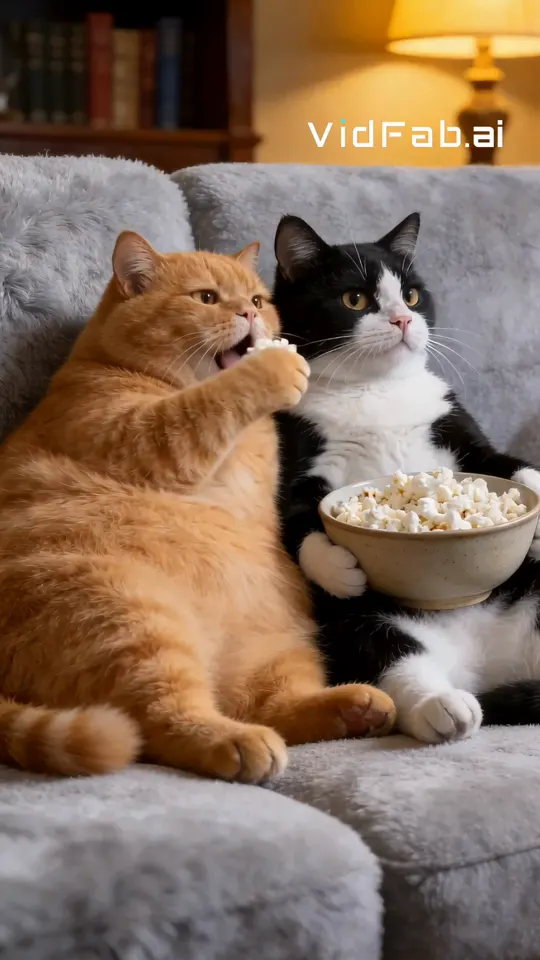
Action-first templates
Browse vertical pet clips built around clear jokes, reactions, food moments, travel, and everyday chaos.

Pick the action, add your pet, and download a clean vertical video without a watermark.
Start your pet remixWatermarked clips are previews only. Your finished remix is clean.
Use a photo for the closest match, or describe the pet in the prompt below.
Add a photo or describe your pet to continue.
Pick a template to begin
720p · Original scene · no watermark
Start with an existing clip, replace the lead animal, and get a clean vertical video ready for TikTok, Reels, or Shorts without filming every shot yourself.
Browse vertical pet clips built around clear jokes, reactions, food moments, travel, and everyday chaos.
Upload your pet for a close identity match, or describe the replacement when you do not have a reference image.
Keep the original setting for a faithful recreation or move the same action into a randomly selected environment.
Preview templates carry visible marks, but completed VidFab remixes are saved and delivered without a watermark.
The tool keeps the template's shot order, movement, timing, and supporting characters while replacing the main pet and any scene direction you choose.
Open the library and select the action you want to recreate.
Upload a clear photo, make a standardized reference, or describe the replacement in words.
Keep the original scene or randomize it, then choose 480p, 720p, or 1080p.
Track generation in the progress panel, then preview and download the clean MP4.
480p
100 credits
Quick drafts
720p
300 credits
Best balance
1080p
500 credits
Highest detail
Standardized pet references cost 10 credits each and are optional. See VidFab plans.
It is a template-based video editor that recreates the action and timing of a selected pet clip with your own pet or a written pet description. You choose the clip, character direction, optional scene, and output quality.
No. Template cards use watermarked preview clips for browsing, while the remix engine works from clean source footage. The generated file delivered to you is watermark-free.
A clear photo with the face and coat markings visible works best. If your photo is casual or cluttered, the optional reference maker can create a cleaner character reference for 10 credits before you start the video remix.
A 480p remix costs 100 credits, 720p costs 300 credits, and 1080p costs 500 credits. Making a standardized pet reference is a separate 10-credit generation.
Yes. Leave the scene setting untouched to preserve the template location. Use Random scene only when you want a new environment while keeping the original action, camera movement, and timing.